a simple example of jquery, ajax.post, and php
I’ve learned enough about ajax, from javascript ajax to jquery ajax, from client side to server side, from asp to php, from form submit to various data types encoding and […]
I’ve learned enough about ajax, from javascript ajax to jquery ajax, from client side to server side, from asp to php, from form submit to various data types encoding and […]
We’ve learned how to add markers on map. In that example, the marker is added when the map is loaded, and its location is predetermined. How to add a marker […]

We’ve learned how to add markers on map using baidu map api. An often encountered use case is when user clicks on a marker, an information window pops up showing […]

An important feature of a map application is the ability of adding/displaying markers on a map. Markers, together with other elements such as labels, poly-lines,polygons, circles, etc. are called overlays […]
In previous tutorial of baidu map api, we’ve learned how to use baidu map api to display a map on web page. That is exiting, but the displayed map seems […]
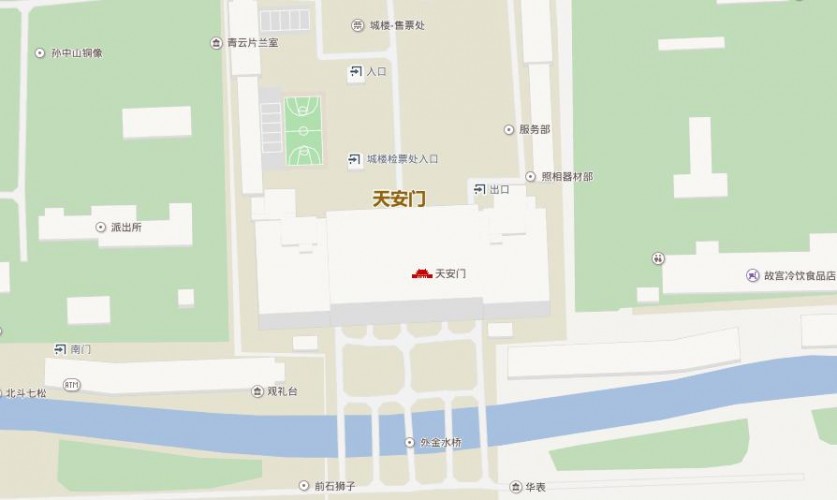
Here is the official guide of baidu map api to display a map, but it does not work if you copy paste it into your web page. <!DOCTYPE html> <html> […]
Here is a code snippet writing data to a file: QFile outfile(“file.txt”); if (!outfile.open(QIODevice::Append)) { exit(); } QTextStream out(&outfile); out.setCodec(“UTF-8”); for(int i=0;i<100000;i++) { out<<“somedata”; } outfile.close(); If you press the […]
I have problem running a python script developed using python2.7. My python environment is Python2.6.6 under CentOS 6.5. Some code is broken when running in old python version. For example, […]
Python programming under windows has the same headache problem as programming in Linux: you have to install missing dependent packages endlessly. I installed python 2.7 under Windows, and now I […]
I will definitely forget the syntax of jQuery selectors if I do not write jQuery code for some days. So it is better to list them here as a memo. […]